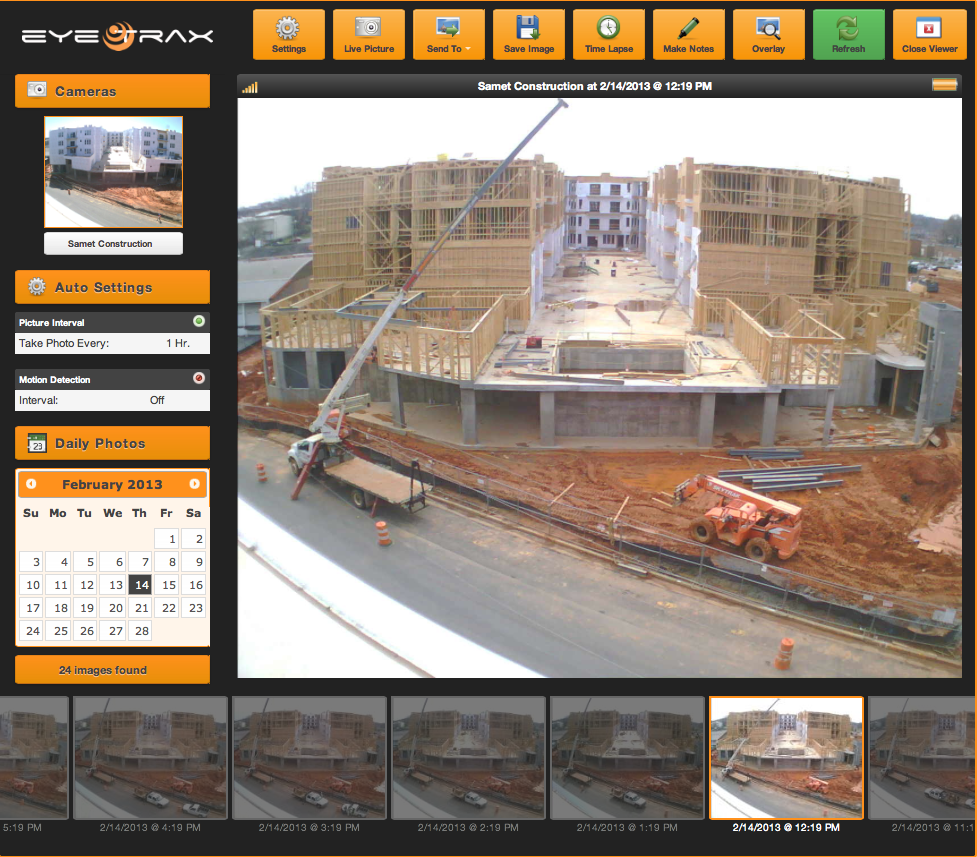
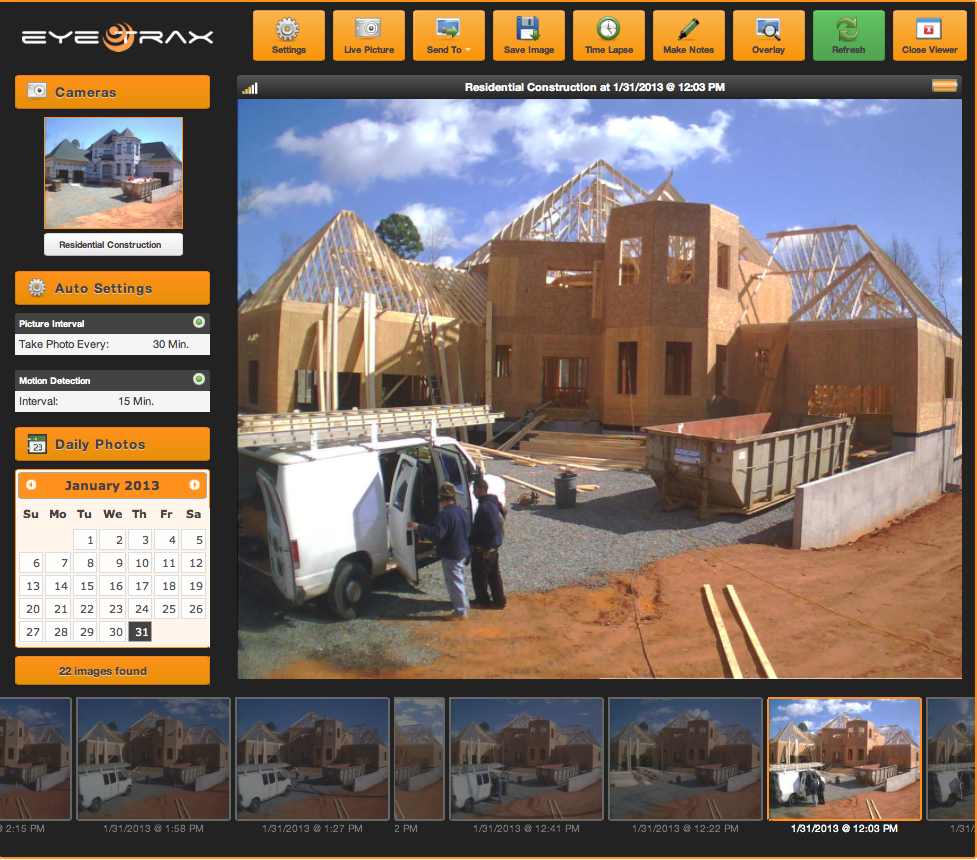
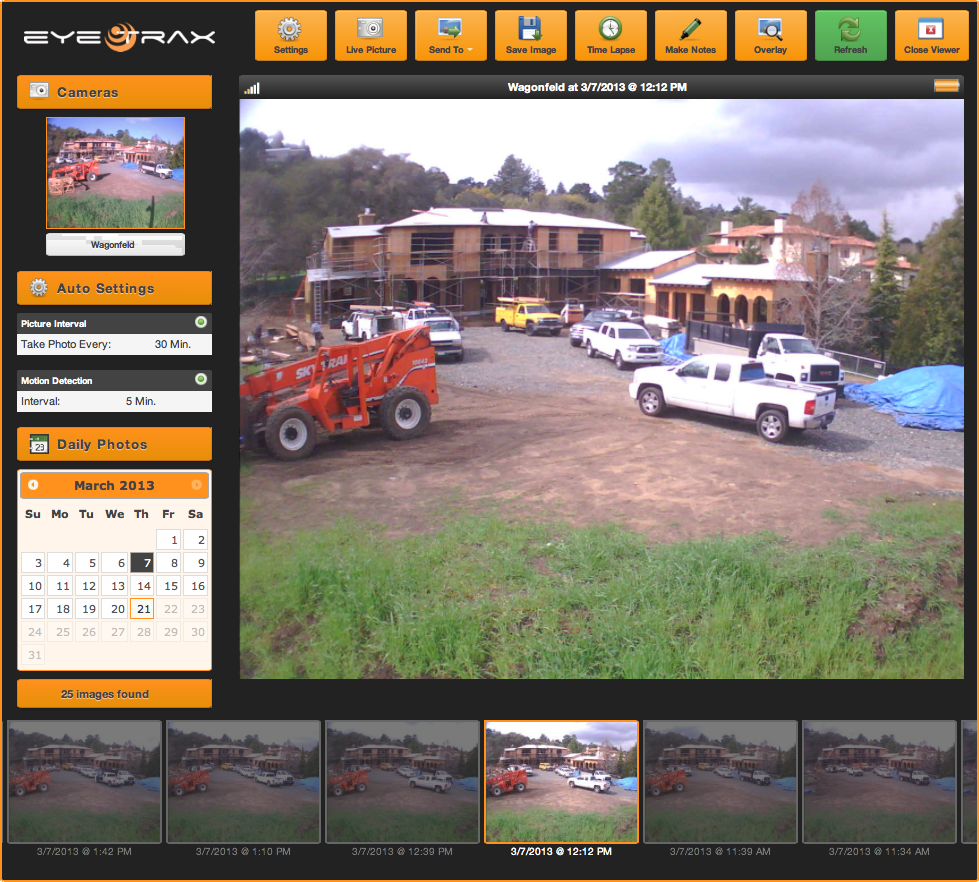
Before you or any of your sub-contractors make the drive to the construction site, use the solar powered wireless construction webcam to view the latest conditions to verify it is in a good condition to perform work to keep progress moving forward. The Eye Trax construction camera software will automatically update the cloud-based servers with current pictures of the construction site based on the automated picture scheduler or motion activation. The web-based User Interface and Mobile App both have a “LIVE” picture button that will send a message to the construction camera to acquire a new picture. Within seconds, the construction camera will remit a picture back to the User Interface and the Mobile Phone App. This instant information will provide the Project Manager or Contractor with vital information about the latest jobsite conditions with a picture. A current picture from the construction camera will tell the End User if it is raining, snowing, flooded, muddy, or just simply packed with too many vehicles to allow for a large material delivery.
This access to the jobsite conditions will allow a Project Manager or Contractor to operate their hectic daily schedule of traveling more efficiently. Instead of getting in a truck and driving to a jobsite, the Mobile Phone App can be used as an informational tool to put your eyes on a jobsite without the need for travel. Now the phone can be used to effectively schedule the sub-contractors or material deliveries more efficiently resulting in a more productive jobsite. The Eye Trax construction camera is a great tool that will save your construction company money in inefficient physical visiting and stream lining the construction process.